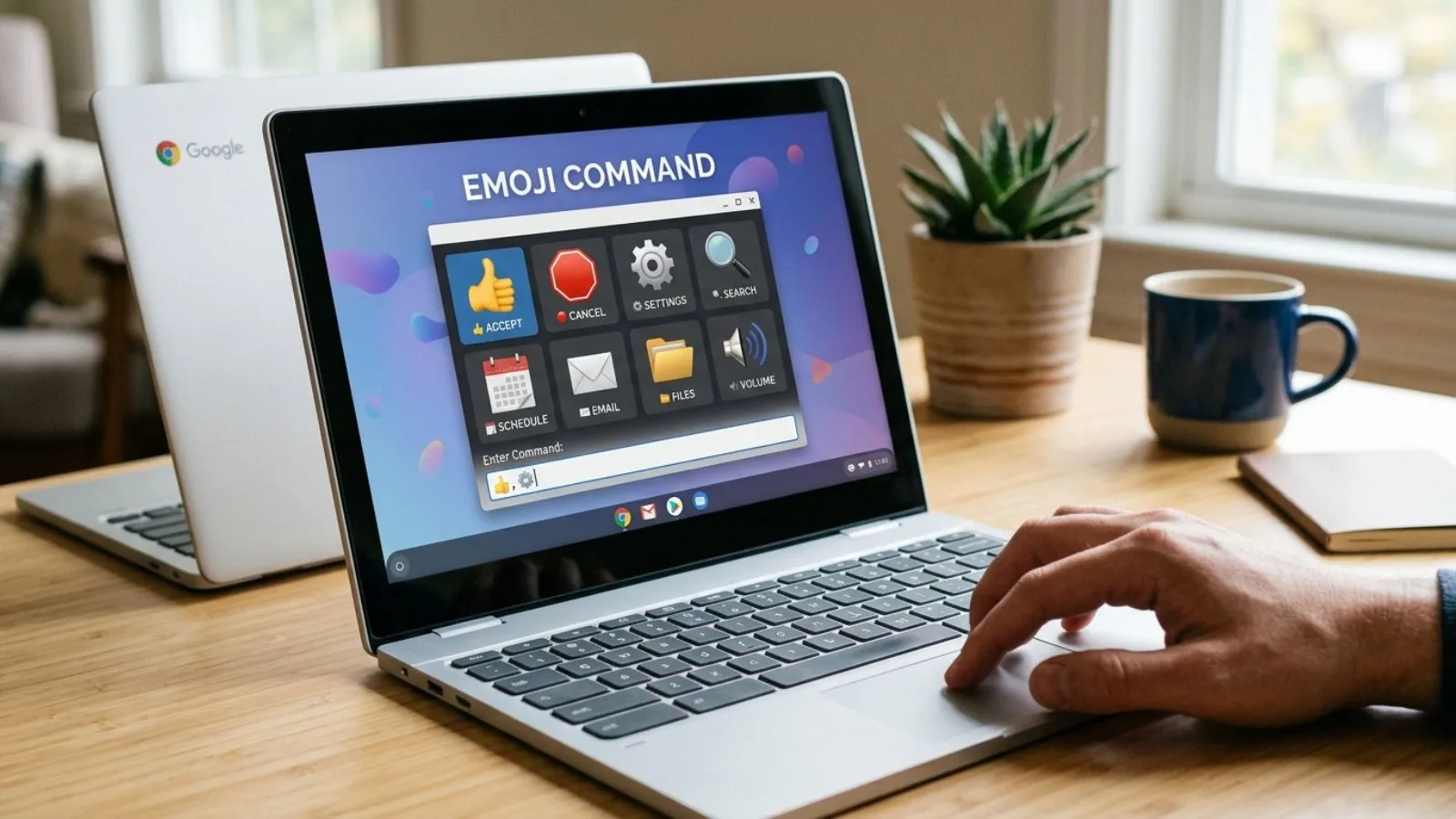
Turn your Chromebook into a quick, easy emoji machine with one simple keyboard shortcut.
If you use a Chromebook for chatting, studying, posting, or working, you do not need to hunt through menus every time you want an emoji.
The emoji command Chromebook shortcut opens an emoji picker directly inside a text field. Press Search + Shift + Space to find emojis, symbols, emoticons, and GIFs, or right-click a text field and choose Emoji.
“A simple Chromebook shortcut can turn an ordinary message into something much more expressive.”
What does the Emoji Command Chromebook Mean?
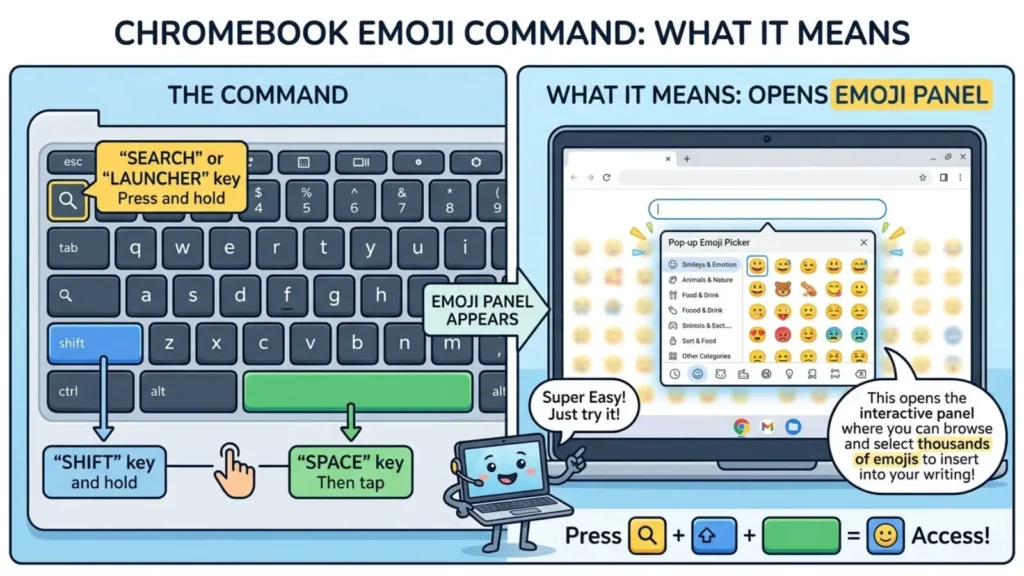
The phrase emoji command Chromebook usually refers to the keyboard command that opens ChromeOS’s built-in emoji picker. Once it appears, you can browse categories or search by an emoji’s name instead of manually copying symbols from another website.
For everyday messages, a small set of familiar smiles and affection emojis covers many moods. Their emoji meanings can shift slightly depending on the sentence, relationship, and platform.
| Emoji | Core meaning | Misread as | Best used when |
| 😀 | Happiness | Forced excitement | Friendly everyday messages |
| 😃 | Cheerfulness | Over-the-top enthusiasm | Positive replies |
| 😄 | Genuine joy | Excessive excitement | Celebrations and good news |
| 😁 | Big happiness | Nervousness | Playful conversations |
| 😂 | Strong laughter | Mocking | Funny moments |
| 😊 | Warm happiness | Shyness | Sweet or polite messages |
| 😉 | Playful wink | Romantic interest | Jokes and teasing |
| 😍 | Admiration | Intense romance | Compliments and affection |
| 😘 | Affectionate kiss | Too intimate | Close relationships |
| ❤️ | Love and care | Romantic commitment | Emotional or loving messages |
Emoji cards
😀 Grinning Face
Meaning: Happiness, positivity, and friendly excitement.
Example 1: Great job today! 😀
Example 2: That sounds like fun 😀
😃 Grinning Face With Big Eyes
Meaning: Cheerful enthusiasm and an upbeat reaction.
Example 1: I finally finished it! 😃
Example 2: That is such good news 😃
😄 Grinning Face With Smiling Eyes
Meaning: Genuine joy and a warm, natural smile.
Example 1: I am so happy for you 😄
Example 2: What a beautiful day 😄
😁 Beaming Face With Smiling Eyes
Meaning: Big happiness with a playful, energetic feeling.
Example 1: I got the result I wanted! 😁
Example 2: We actually did it 😁
😂 Face With Tears of Joy
Meaning: Something is extremely funny or amusing.
Example 1: That video was hilarious 😂
Example 2: You always make me laugh 😂
😊 Smiling Face With Smiling Eyes
Meaning: Gentle warmth, kindness, and pleasant affection.
Example 1: Thanks for helping me 😊
Example 2: It was lovely talking to you 😊
😉 Winking Face
Meaning: Playfulness, teasing, or a lighthearted hint.
Example 1: You know what I mean 😉
Example 2: I might have a surprise for you 😉
😍 Smiling Face With Heart-Eyes
Meaning: Strong admiration, delight, or affectionate excitement.
Example 1: That outfit looks amazing 😍
Example 2: This view is beautiful 😍
😘 Face Blowing a Kiss
Meaning: A kiss, affection, or a warm goodbye.
Example 1: Good night, talk tomorrow 😘
Example 2: Take care of yourself 😘
❤️ Red Heart
Meaning: Love, care, affection, and emotional closeness.
Example 1: You mean so much to me ❤️
Example 2: Sending you lots of love ❤️
How to use emoji command chromebook the right way
On a Chromebook, click inside the place where you want to type and press Search + Shift + Space. The emoji picker opens, letting you browse categories or search for an emoji by name. You can also right-click inside a text field and select Emoji.
On WhatsApp, emojis can make personal conversations feel warmer and more expressive. On Instagram, they can add personality to captions, comments, bios, and branded posts. On TikTok, they often work well with humor, reactions, trends, and playful captions.
Do: Match the emoji to your message and relationship.
Do: Use copy paste emojis when speed matters.
Don’t: Add a long string of emojis when one or two communicate the feeling clearly.
Chromebook also supports emoji suggestions while typing certain words in supported websites and apps. On personal Chromebooks, these suggestions are enabled by default, while managed school or organization devices may have them turned off.
Best emoji command chromebook combos copy & paste
Romantic
👉 😍❤️ Use for a loving compliment or affectionate message.
👉 😘❤️ Send as a sweet romantic goodbye.
👉 😊❤️ Add warmth to a caring message.
Cute
👉 😊😄 Use for a cheerful, wholesome reaction.
👉 😃😁 Perfect for playful excitement.
👉 😄😊 Works nicely for a friendly thank-you.
Flirty
👉 😉😍 Use when teasing someone with admiration.
👉 😉😘 A playful affectionate message.
👉 😍❤️ Add extra warmth to a compliment.
Missing someone
👉 😊❤️ Use when telling someone you care about them.
👉 😘❤️ A sweet message before saying goodbye.
👉 😍❤️ Show strong affection from a distance.
Good night
👉 😊😘 A warm, affectionate good-night message.
👉 😘❤️ Simple and loving before bed.
👉 😉😘 A playful good-night sign-off.
Trending Emoji Command Chromebook in 2026
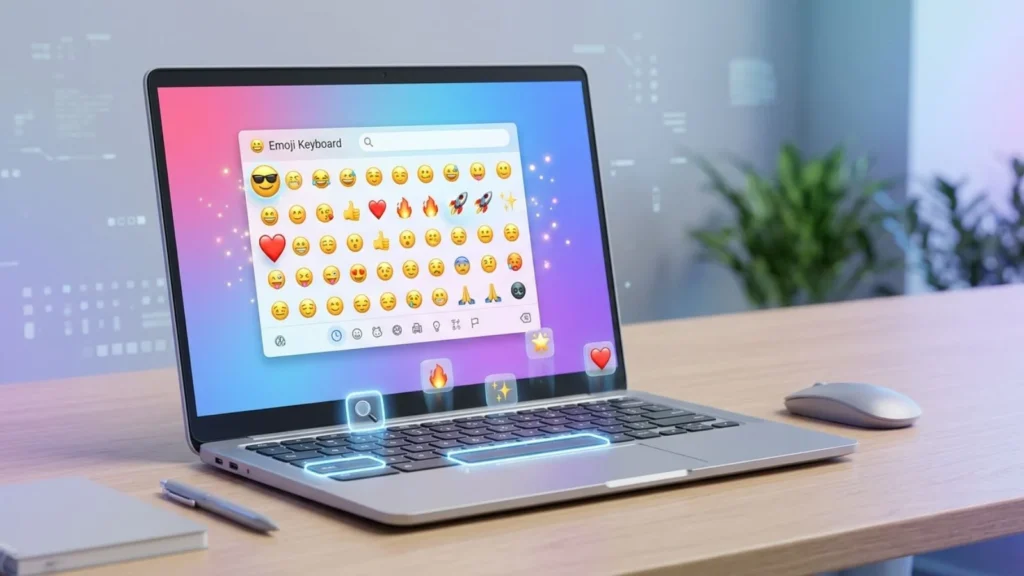
In 2026, familiar expressive emojis continue to fit naturally into quick chats, comments, captions, and short-form content. The appeal is less about complicated combinations and more about adding an instantly recognizable emotional cue.
😂 is especially useful for humorous conversations and reaction-style content, while 😍 works naturally in compliments and visual posts. 😊 suits warm personal messages, and 😉 remains useful when a sentence needs a playful tone.
| Emoji | Why trending | Who uses it | Platform |
| 😂 | Quick humor and reactions | Chatters and creators | TikTok, WhatsApp |
| 😍 | Compliments and visual reactions | Creators and social users | Instagram, TikTok |
| 😊 | Friendly, warm communication | Everyday users | WhatsApp, Instagram |
| 😉 | Teasing and playful captions | Social users and creators | Instagram, TikTok |
The broader emoji experience is also becoming more convenient because ChromeOS combines emojis, symbols, emoticons, and GIFs in the same picker, with searchable categories.
Emoji designs can look different across devices because the same Unicode emoji can be rendered using different platform-specific artwork and fonts. That is why an emoji selected on a Chromebook may appear slightly different on an iPhone, Android phone, or another computer.
As emoji tools evolve, the focus generally remains on making expressive communication faster, easier, and more flexible across devices.
FAQs
1. What is the most popular emoji command chromebook?
The most useful Chromebook emoji command is Search + Shift + Space, which opens the built-in picker for emojis, symbols, emoticons, and GIFs.
2. What does 😂 mean from a girl or boy?
It generally signals strong laughter or that something is very funny. The meaning usually depends more on the conversation than whether the sender is a girl or boy.
3. Why do emojis look different on iPhone vs Android?
Different operating systems use their own visual designs for emoji characters. The underlying emoji can be the same while its appearance changes between devices.
4. Are emoji commands used differently in other countries?
The Chromebook command itself is generally the same, but emoji preferences and conversational habits can vary by language, culture, platform, and audience.
Conclusion:
Using the Emoji Command Chromebook shortcut makes everyday typing faster and gives your messages an easy expressive touch.
If you are chatting, posting, or creating content, choosing the right emoji can make your words feel more natural.
Keep the shortcut handy, use emojis thoughtfully, and let the message not the emoji overload do the talking.

I am a technology writer and digital content creator at LinkNestPro, passionate about simplifying complex topics into clear, practical, and engaging content.
My focus is on technology, digital tools, online resources, productivity, and web trends, helping readers discover reliable information and practical solutions to enhance their digital experience.